Natural, not airbrushed
Real skin, hair detail and age-appropriate texture.
Official product guardrails and reusable visual-style prompts for creating personal AI assistant avatars that still feel at home in Tanka.
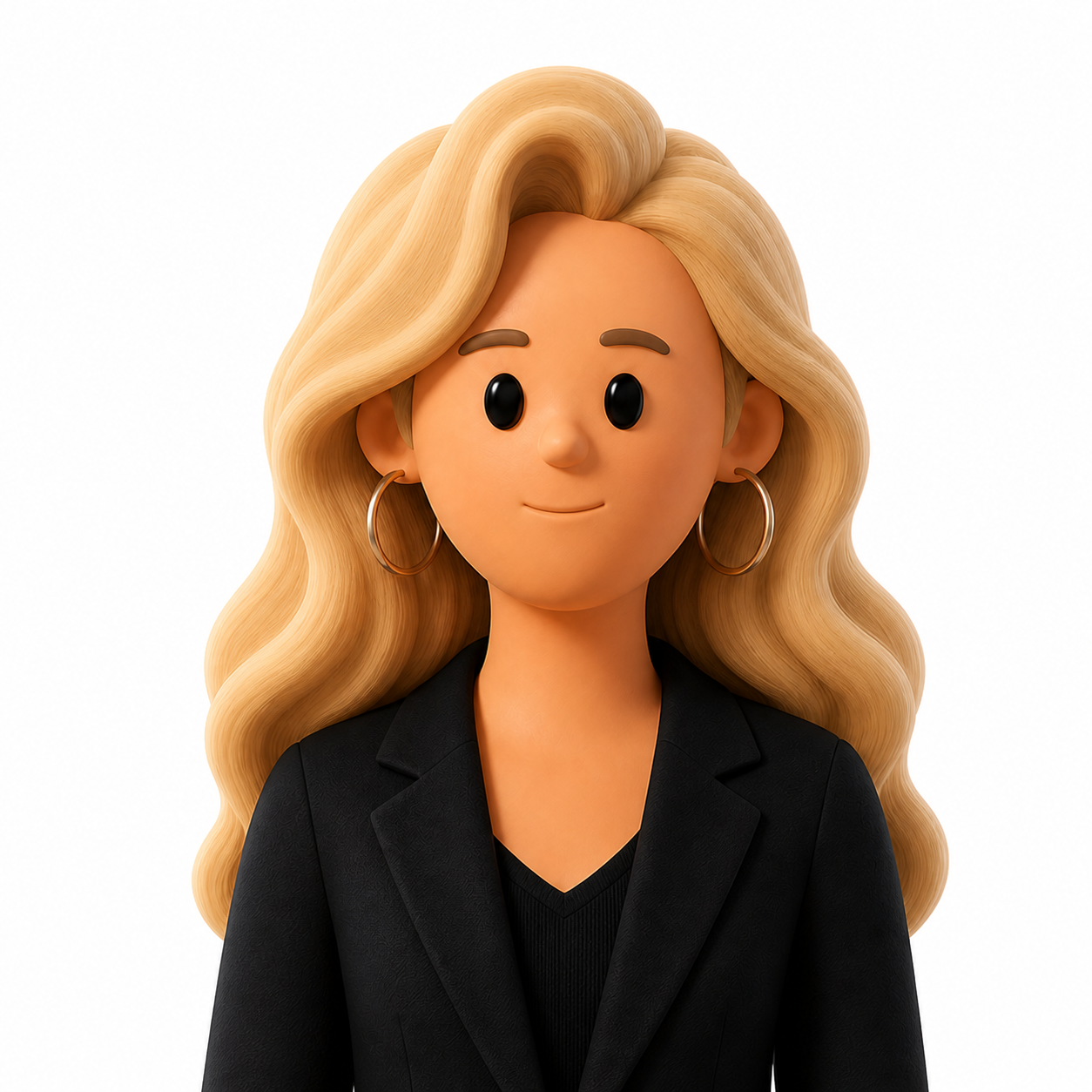
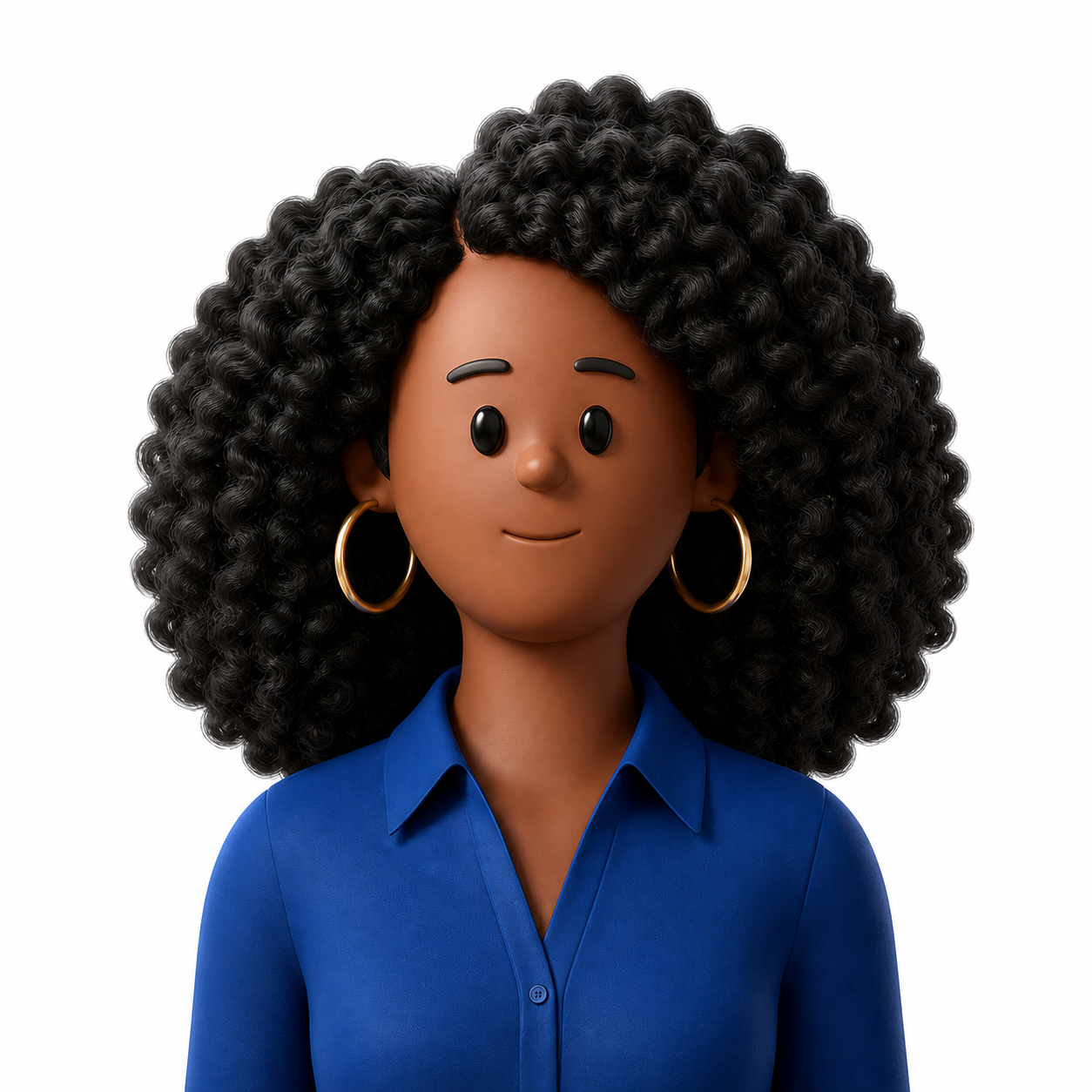
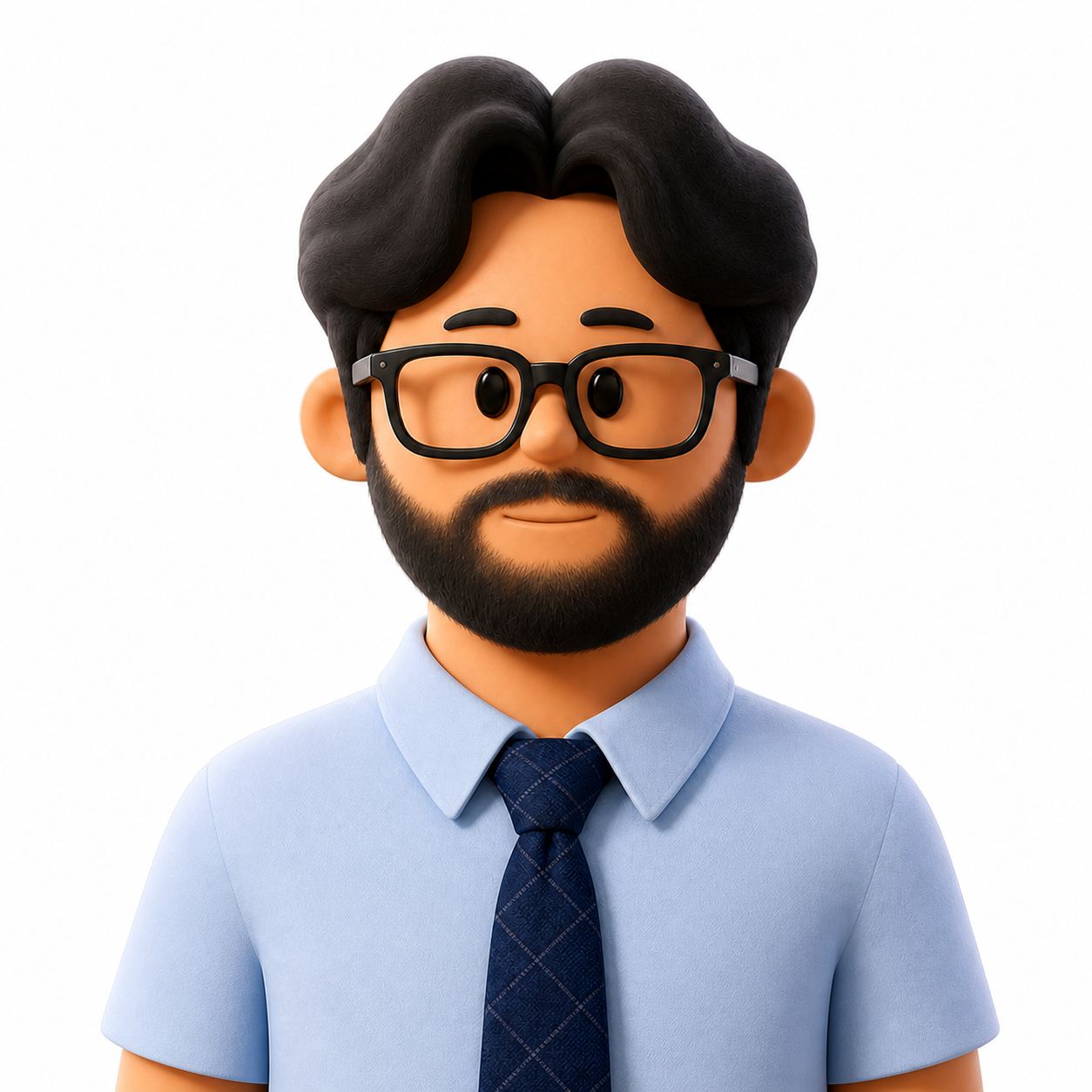
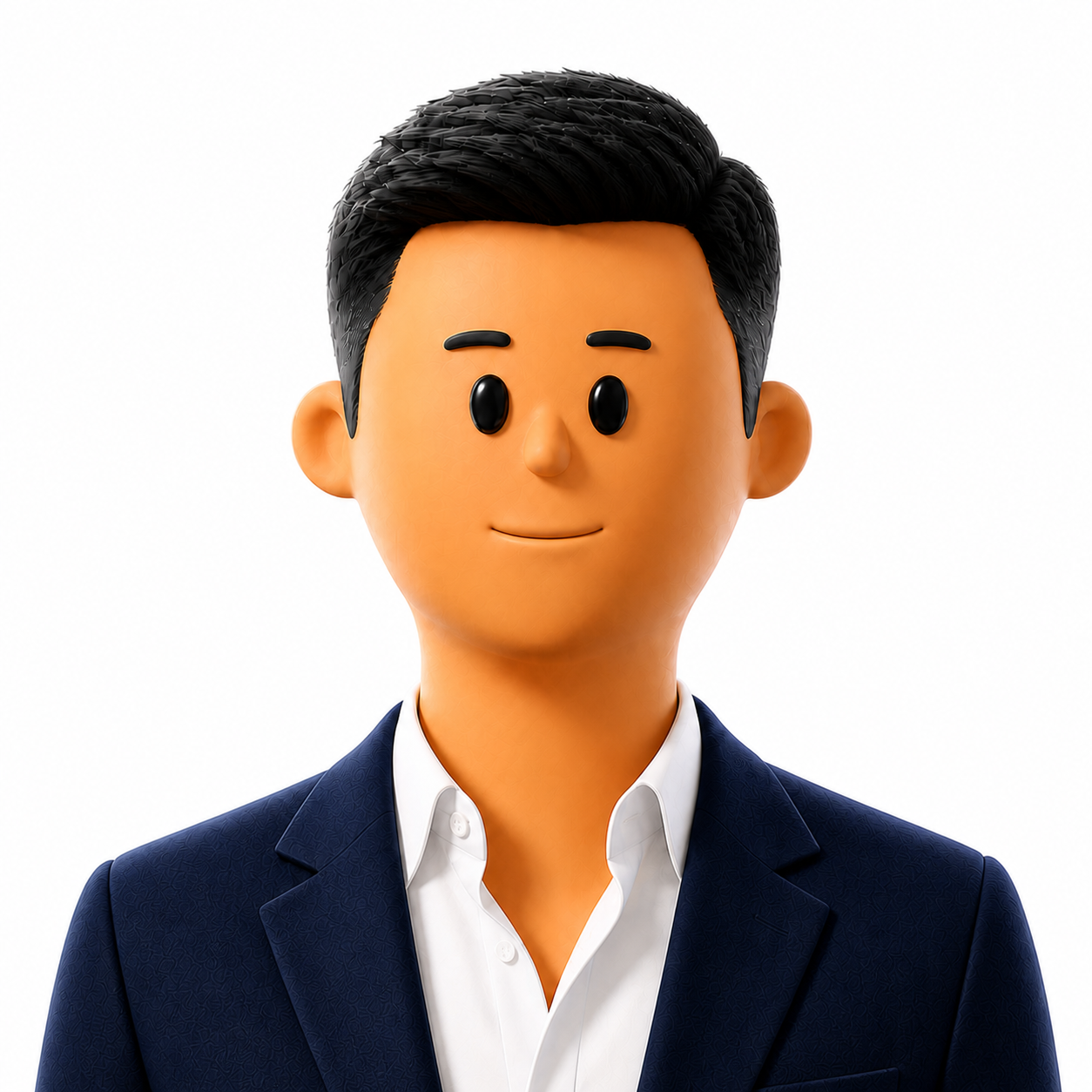
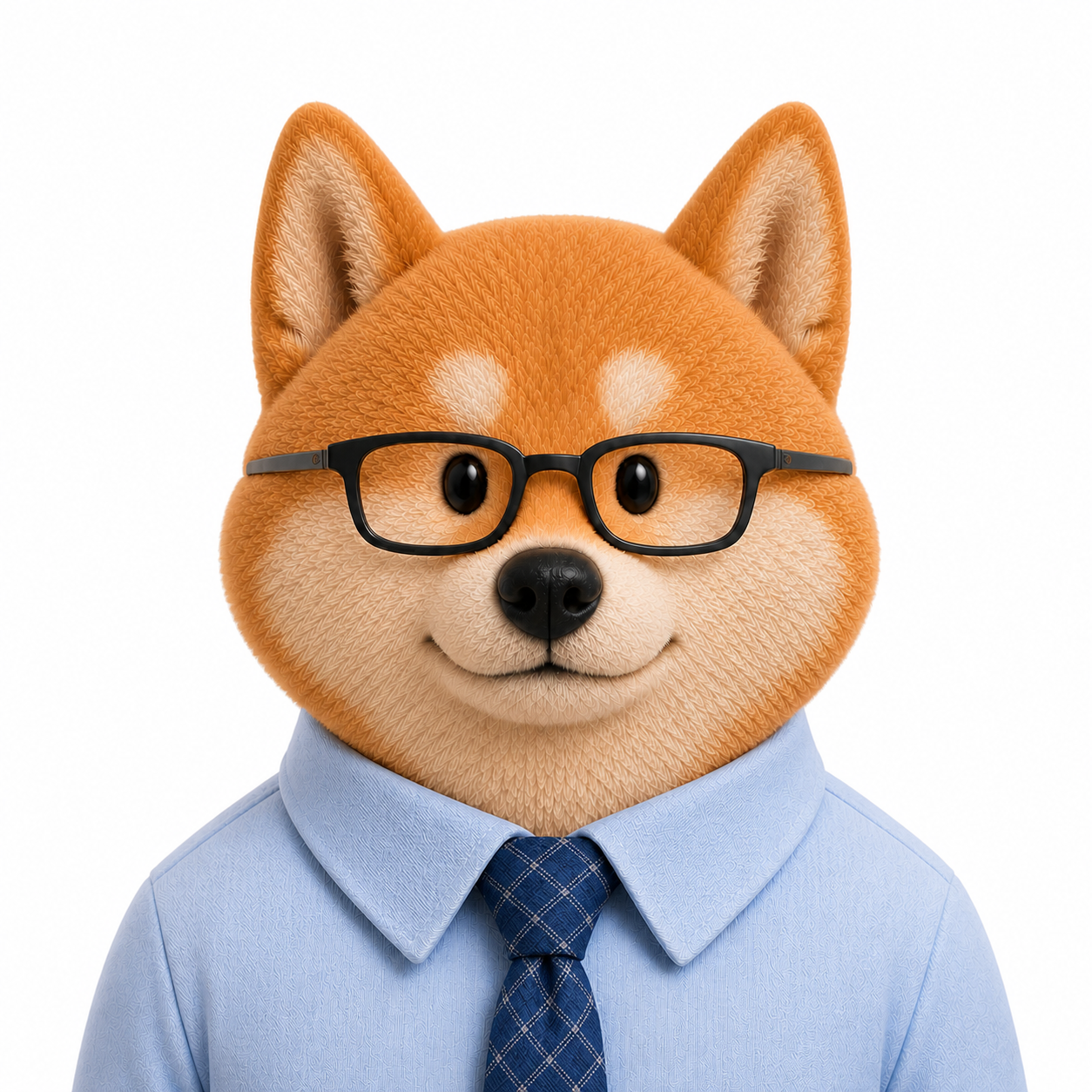
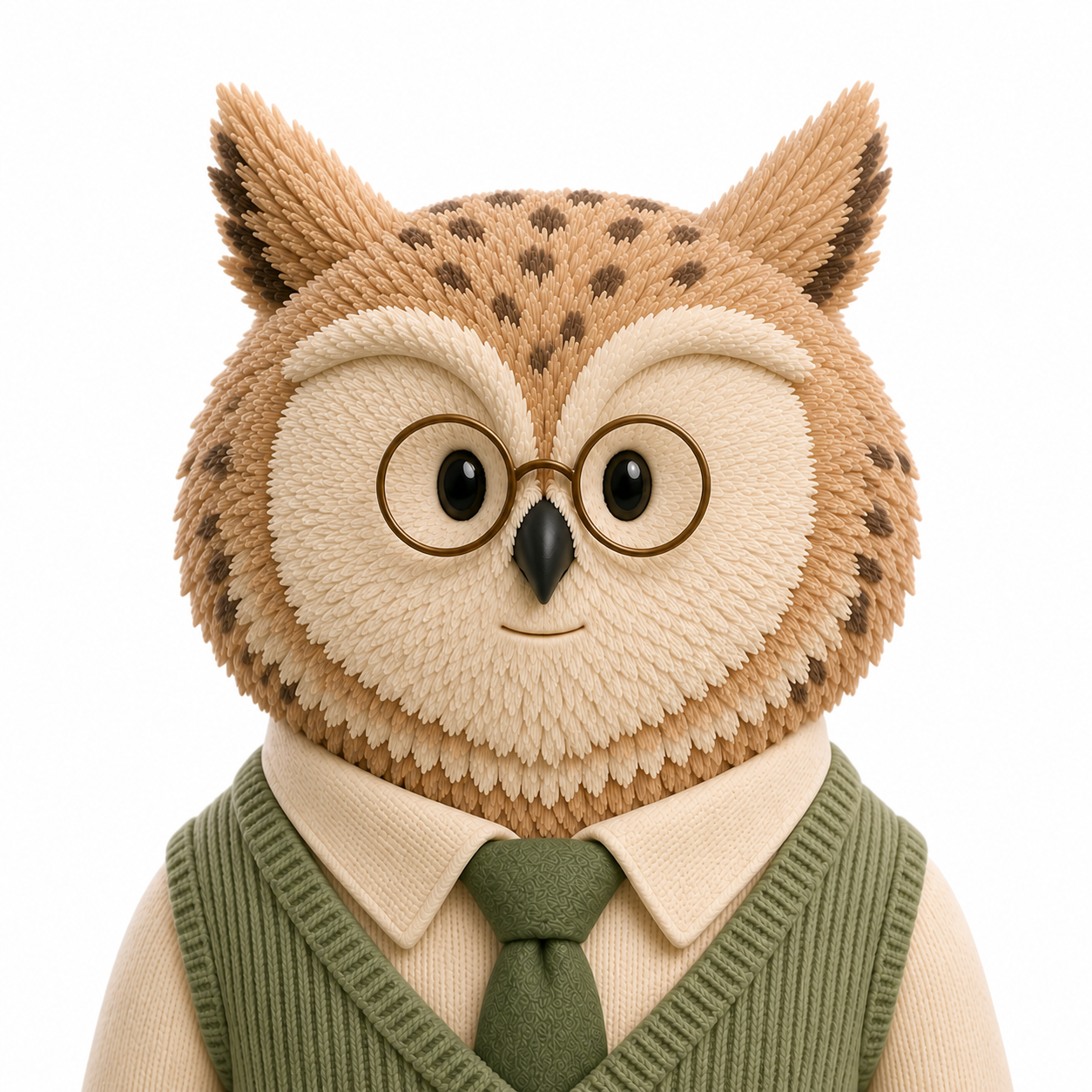
不决定具体画风,而是统一品牌气质、构图、安全区域和默认行为。用户没有填写风格时,自动叠加 Soft 3D。
OFFICIAL GUARDRAIL: Create one subject for an AI assistant avatar. Deliver one 1254×1254 px square PNG master for both mobile and web; product surfaces may downscale it proportionally but must not upscale it. Use a centered, front-facing bust composition. Keep the complete hairstyle, ears, glasses and identity-critical details safely inside an automatic circular crop. Target an 11% top gap above the hairstyle or ears—about 139 px in the 1254 px master; accept 10–12%, approximately 125–150 px, equivalent to about 8 px in a 72×72 px circular avatar. The overall presence should feel calm, airy, modern, trustworthy and friendly. Use pure white by default; change the background only when the user explicitly specifies one, and keep it simple. Blue may appear as a restrained environmental or wardrobe accent, but never as a cast over skin, fur, hair or clothing. No text, logo, watermark, complex scene, extra character or unrelated prop. If the user does not specify a visual style, apply the Soft 3D style module by default.四条接近日常表达的输入。未写画风时,官方护栏会自动选择 Soft 3D,并补齐白底、构图和裁剪规则。
Premium LinkedIn-style editorial portraits with calm intelligence, quiet confidence, natural texture and restrained workplace polish.
STYLE — PHOTOREALISTIC PROFESSIONAL: Create a premium LinkedIn-style editorial professional portrait with calm intelligence, quiet confidence and polished contemporary workplace style. The subject should feel capable, credible, thoughtful and approachable—professional without appearing stiff or generic. Use a natural 70–85 mm portrait-lens feel, eye-level camera, direct but relaxed eye contact, balanced posture and a subtle natural closed-mouth smile or softly relaxed lips. Preserve realistic age-appropriate facial structure, visible skin texture, fine hair detail and modest natural asymmetry. Apply refined, nearly invisible retouching only; never make the skin airbrushed, plastic, excessively youthful or cosmetically exaggerated. Use soft diffused studio daylight, crisp natural eyes, gentle dimensional facial shadows and neutral color balance. Style the subject in modern tailored business-casual clothing with clean silhouettes, premium-looking fabrics and restrained solid colors when clothing is unspecified. Keep accessories, makeup and grooming intentional but understated. Express intelligence through gaze, posture, styling and visual restraint—not through stereotyped facial features, glasses, ethnicity, gender, age or conventional attractiveness. Avoid ID-photo stiffness, selfies, casual snapshots, generic corporate stock photography, glamour beauty photography, luxury-fashion drama, heavy makeup, excessive skin smoothing, cinematic darkness, fake offices, strong background blur, props, logos, text, 3D rendering, anime or illustration.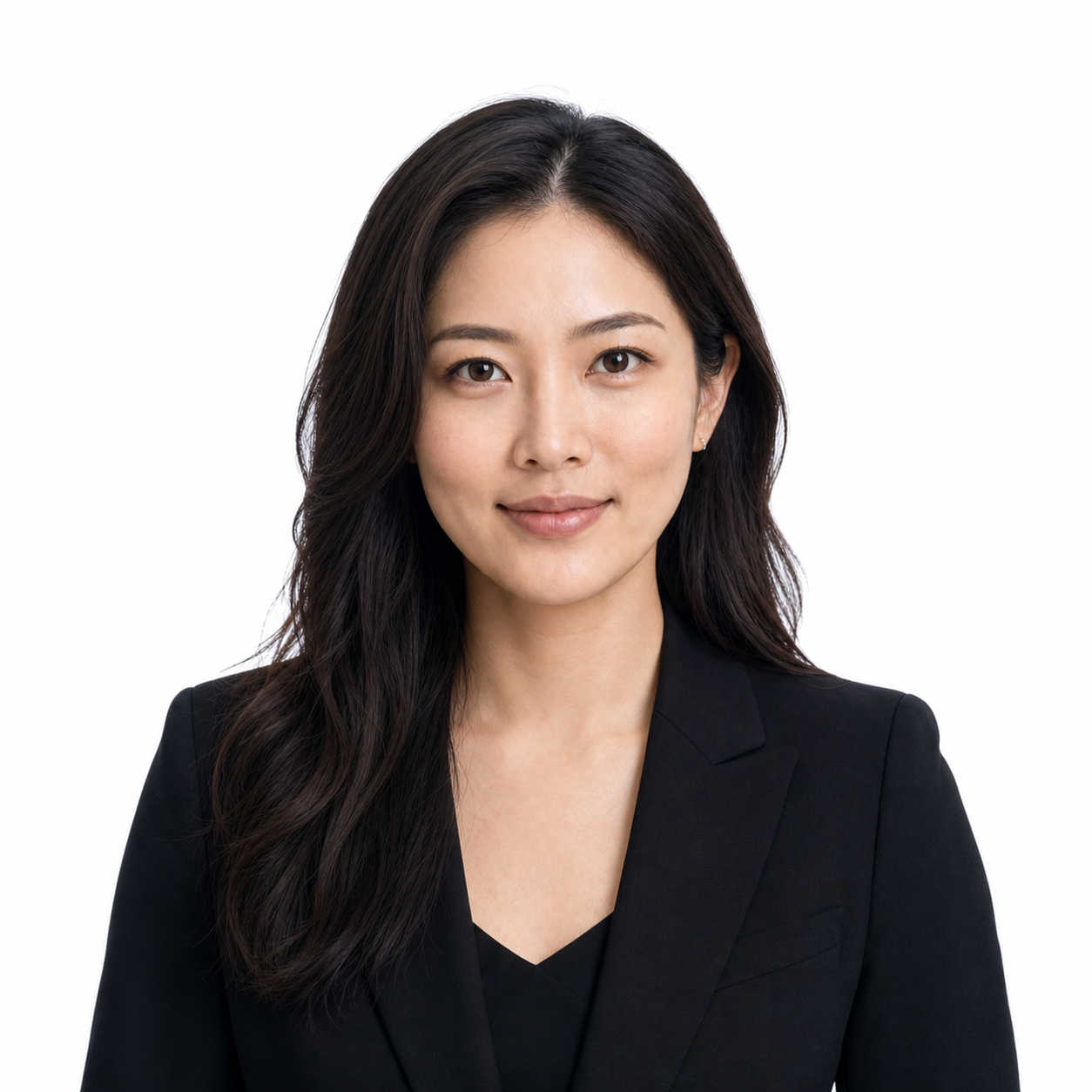

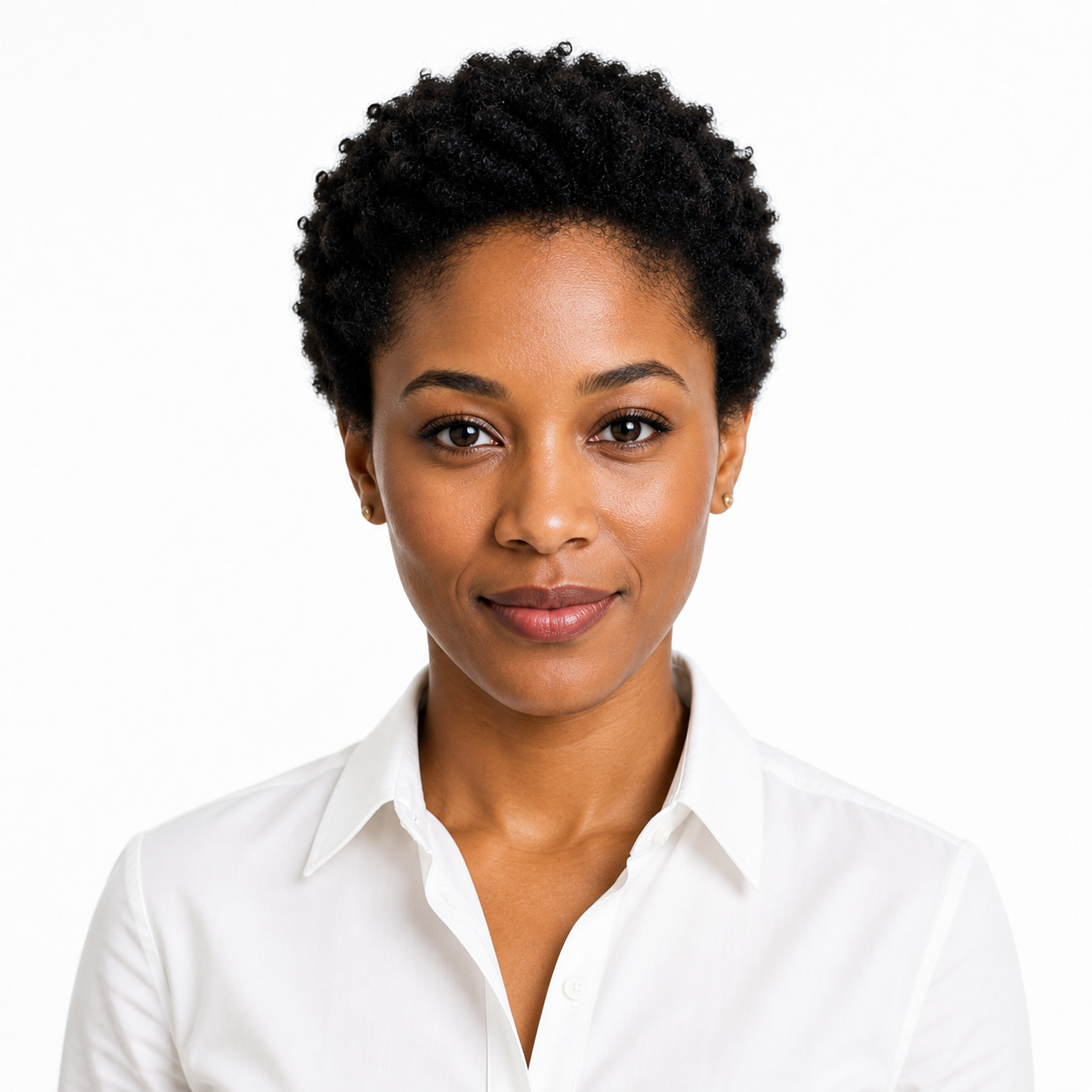
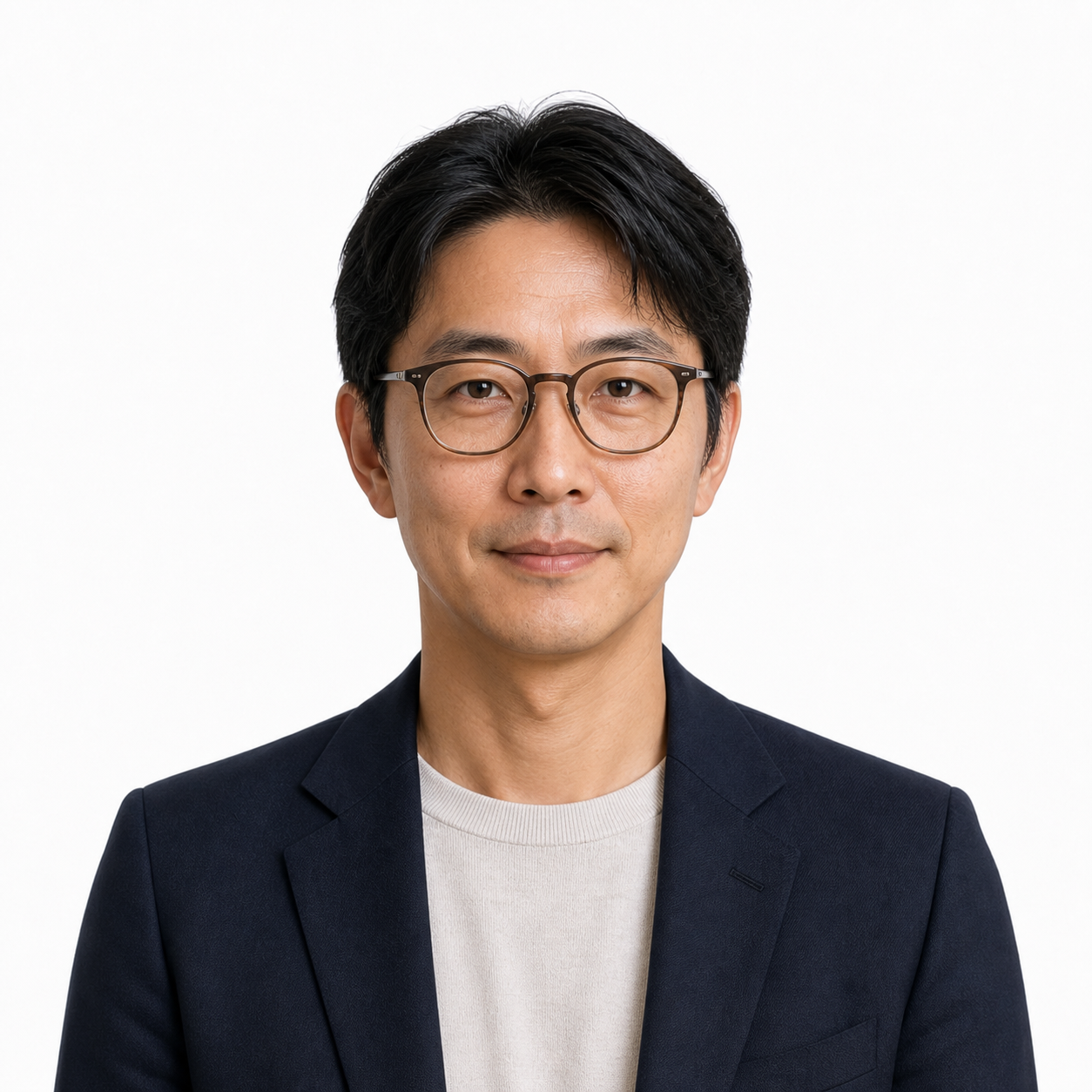
Real skin, hair detail and age-appropriate texture.
Capability through gaze, posture and visual restraint.
Polished workplace style without corporate stock-photo stiffness.
Intelligence is never encoded through identity or beauty standards.
The current production-ready Skill: friendly toy-like form, controlled detail and a stable visual family across people and characters.
STYLE — SOFT 3D: Create a polished AI-assistant avatar in a premium soft 3D toy/clay visual system. Use broad sculpted forms, clean rounded adult proportions, smooth matte-to-satin skin or fur, grouped sculpted hair volumes and restrained tactile fabric detail; avoid pores, strand-level realism and cheap glossy-plastic surfaces. Keep the face simplified, balanced and naturally coordinated: simple vertically oriented glossy black oval eyes with small controlled highlights and no whites, irises, pupils or lashes; short softly sculpted eyebrows; a small rounded nose; and visible simplified ears when appropriate. Add exactly one short, thin, softly recessed closed-mouth line, about 18–24% of face width, centered close beneath the nose with a narrow clear gap of roughly 35–50% of visible nose height. Keep it nearly horizontal with only a gentle upward turn at both ends, rounded terminals and a warm muted brown-peach tone just one or two steps darker than the surrounding skin. Do not create separate upper and lower lips, lipstick, a black smile, deep groove, open mouth, teeth, tongue or dimples. Use soft balanced studio key and fill light, gentle dimensional shading, subtle rim separation and a calm, airy, modern, friendly and trustworthy presence. Preserve the user's requested presentation, apparent age, skin tone, face silhouette, hairstyle, facial hair, clothing and accessories without copying a reference character's identity or relying on stereotypes. Avoid photorealism, anime, chibi, flat illustration, painterly rendering, oversized heads, tiny bodies, realistic eye anatomy, heavy makeup, hyper-detail, cinematic darkness, clutter, text, logos and unrequested props.Shared materials, proportions and studio lighting.
Short, thin, recessed and close beneath the nose.
Hair, ears and accessories stay inside the crop.
Another background only when the user requests it.
Two female, two male, Shiba and owl references travel with the behavior contract, prompt recipes and quality gates.
soft-3d-avatar-style-imagegen/
├── SKILL.md
├── agents/openai.yaml
├── assets/
│   ├── style-anchor-female-blonde.png
│   ├── style-anchor-female-curly.png
│   ├── style-anchor-male-bearded.png
│   ├── style-anchor-male-navy.png
│   ├── style-anchor-animal-shiba.png
│   └── style-anchor-animal-owl.png
└── references/
    ├── official-guardrail.md
    ├── style-system.md
    ├── prompt-recipes.md
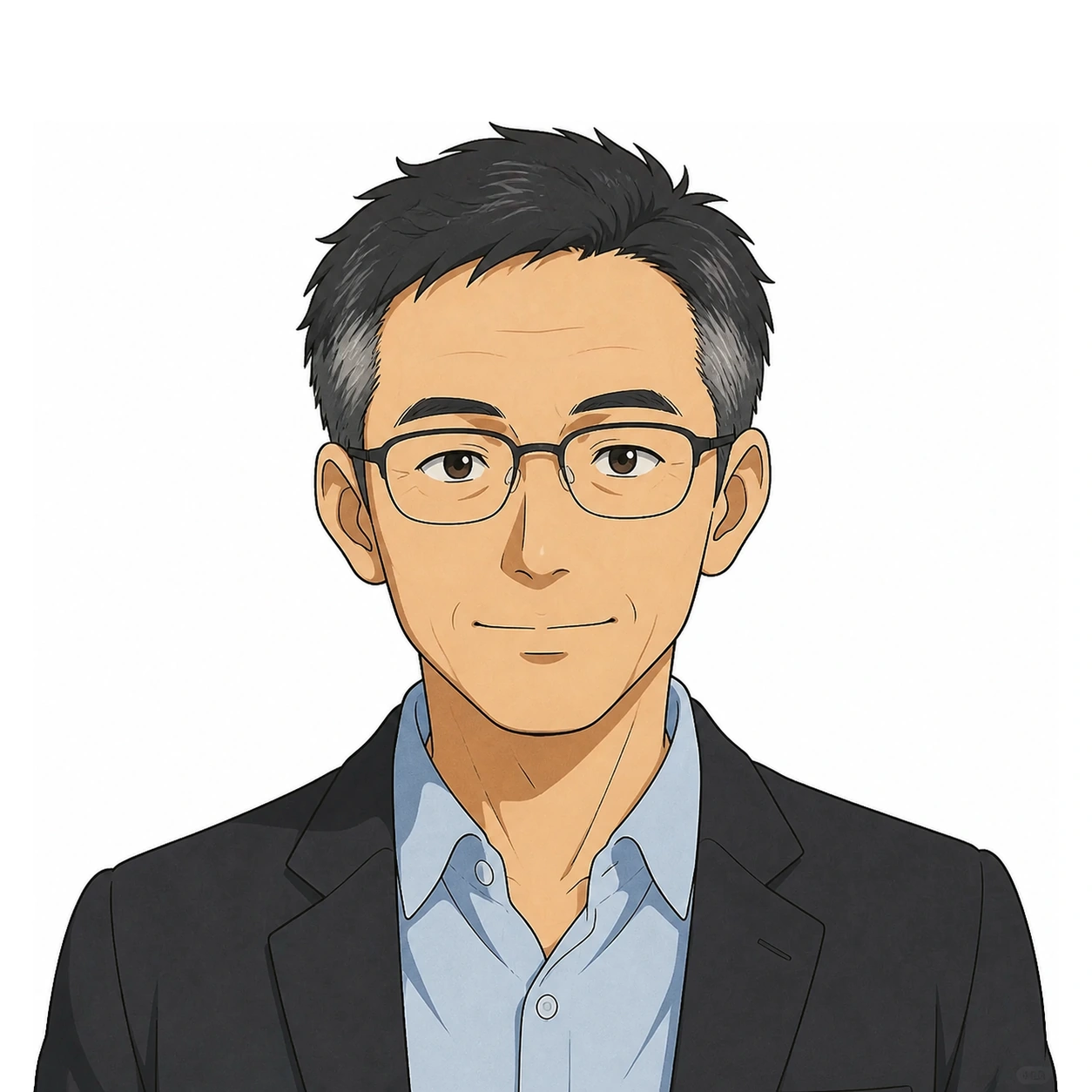
└── examples.mdWarm Japanese animated portraits with clean linework, adult proportions and restrained color—designed for friendly, professional AI assistants.
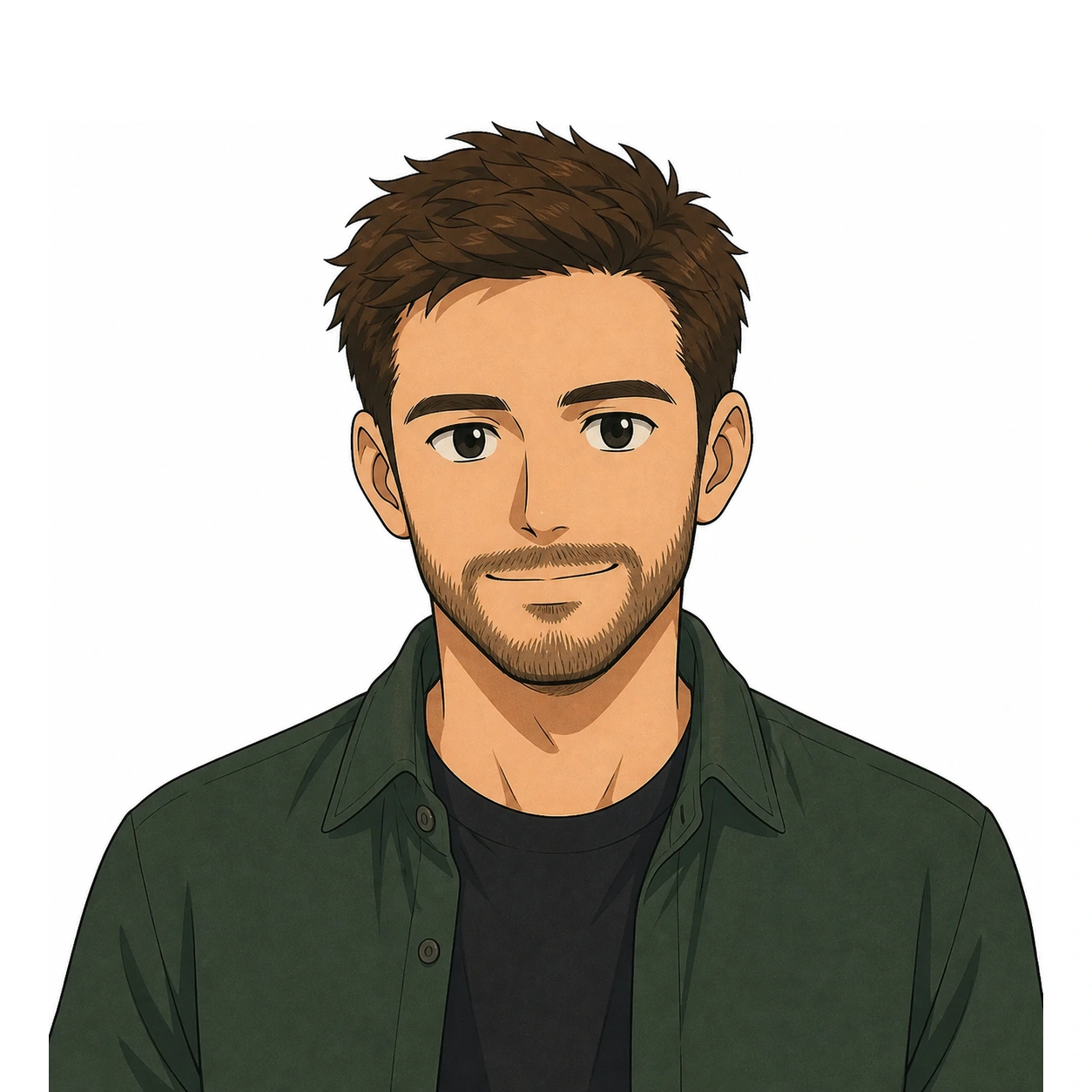
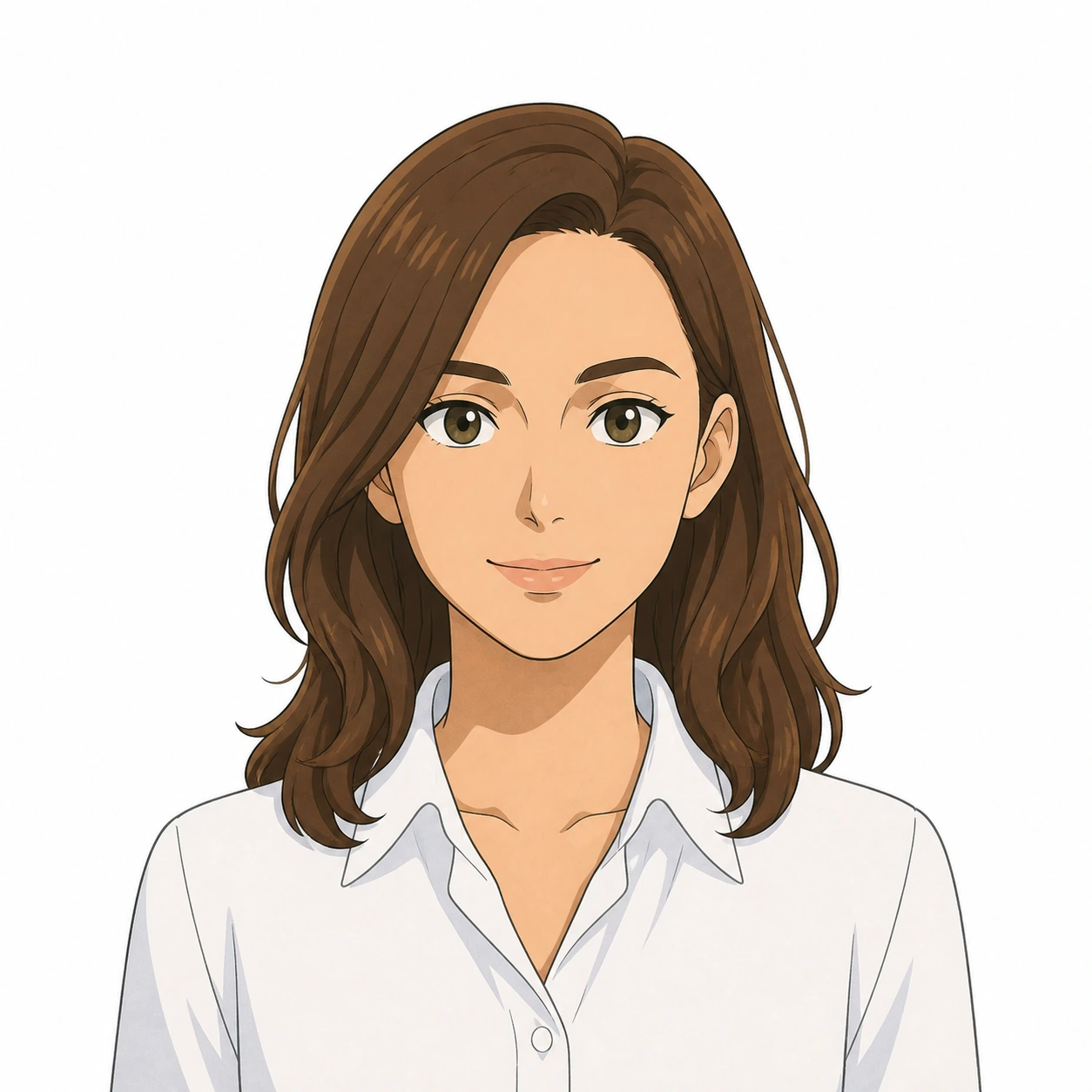
STYLE — GHIBLI-INSPIRED ANIME PORTRAIT: Create a polished AI-assistant avatar in a warm hand-drawn Japanese animation visual system with lyrical everyday charm, clean organic linework, restrained flat-to-soft cel shading, subtle paper grain and gently muted natural colors. Keep the character recognizably adult with balanced head-and-shoulder proportions, an age-appropriate face shape and modest natural asymmetry. Use expressive but controlled eyes with visible whites and simple irises, avoiding oversized doll-like eyes; naturally shaped eyebrows; a small simplified nose; and a subtle closed-mouth smile or softly relaxed lips. Render hair as clean readable masses with a few purposeful strand groups rather than noisy individual hairs. Use soft diffused daylight, gentle facial shadow planes and warm-neutral skin color without a strong blue, orange or gray cast. When clothing is unspecified, choose contemporary professional or smart-casual pieces with clean silhouettes, restrained solid colors and minimal accessories. Use a front-facing, centered bust composition on a 1254 × 1254 px pure-white square canvas, safe for automatic circular cropping. Keep the highest point of the hairstyle, headwear or ears approximately 11% below the canvas top—about 8 px when displayed at 72 × 72 px—with a 10–12% tolerance; keep the face centered and allow the shoulders to extend naturally beyond the lower circular crop. Preserve the user's requested presentation, apparent age, ethnicity, skin tone, face silhouette, hairstyle, facial hair, clothing and accessories without relying on stereotypes. Avoid copying any identifiable existing character or scene. Avoid chibi proportions, childlike features, giant eyes, fan-art styling, photorealism, 3D rendering, heavy gradients, glossy plastic surfaces, hyper-detailed skin or hair, dramatic cinematic darkness, cluttered scenery, text, logos, watermarks and unrequested props.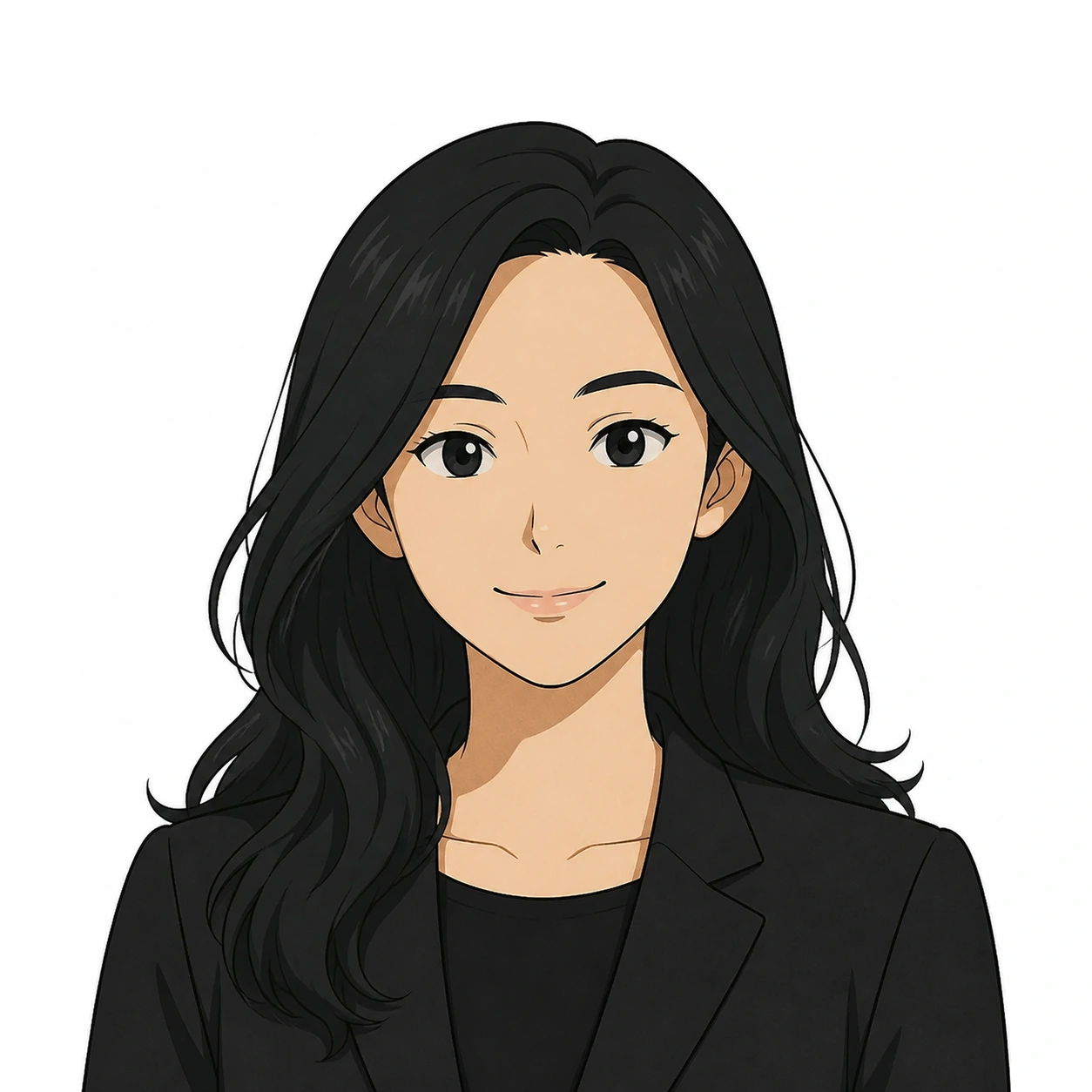
Add either package to Codex, then describe the assistant in natural language. If no style is named, Soft 3D remains the default.
unzip photorealistic-professional-avatar-imagegen.zip -d ~/.codex/skillsRestart Codex after unzipping so the Skill is discovered.
unzip soft-3d-avatar-style-imagegen.zip -d ~/.codex/skillsRestart Codex after unzipping so the Skill is discovered.